
The Myth
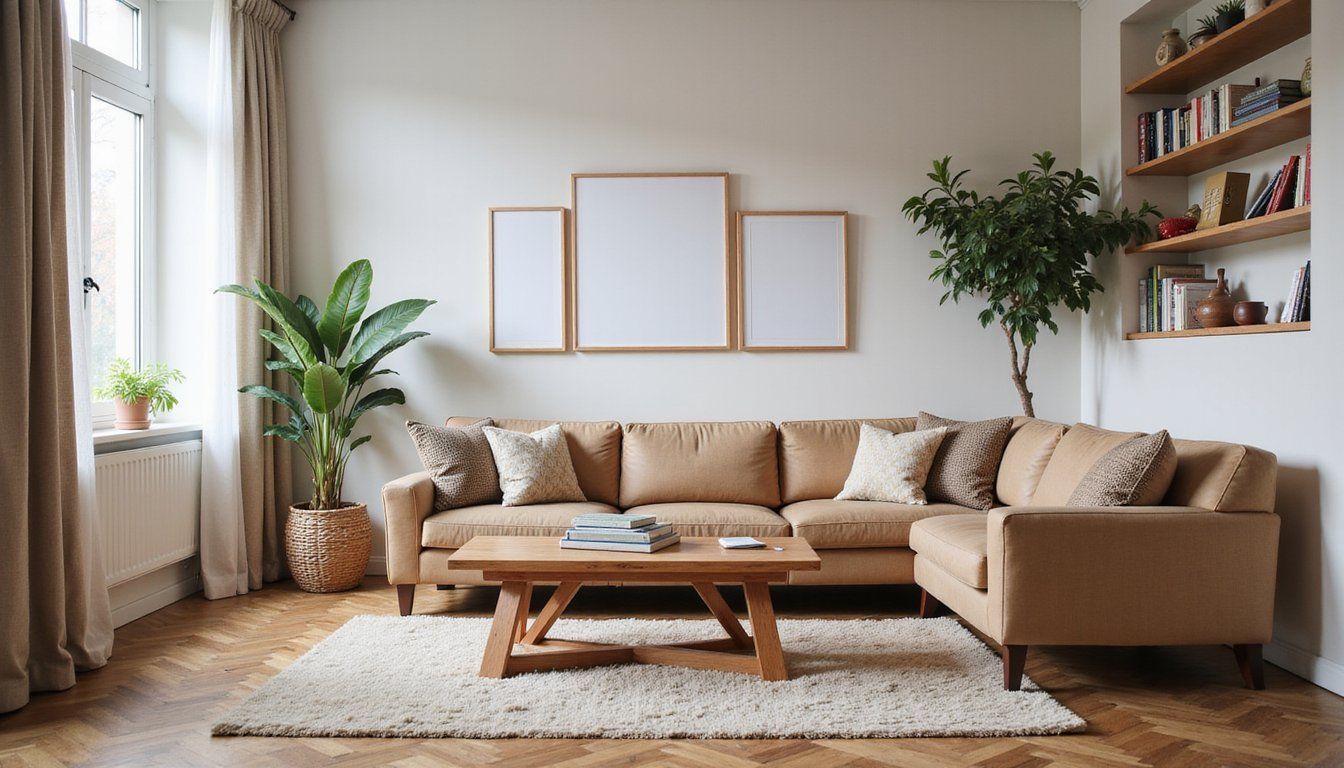
Most people think you need a spare room to work well at home. That belief comes from images of large study rooms and quiet houses, but it ignores real-life apartment living where square footage is precious and flexibility wins.
That idea can make you delay setting up a workspace until you have the perfect space. Waiting for ideal conditions often means missed productivity, lost momentum, and the stress of trying to squeeze work into unpredictable corners of daily life.
The Truth
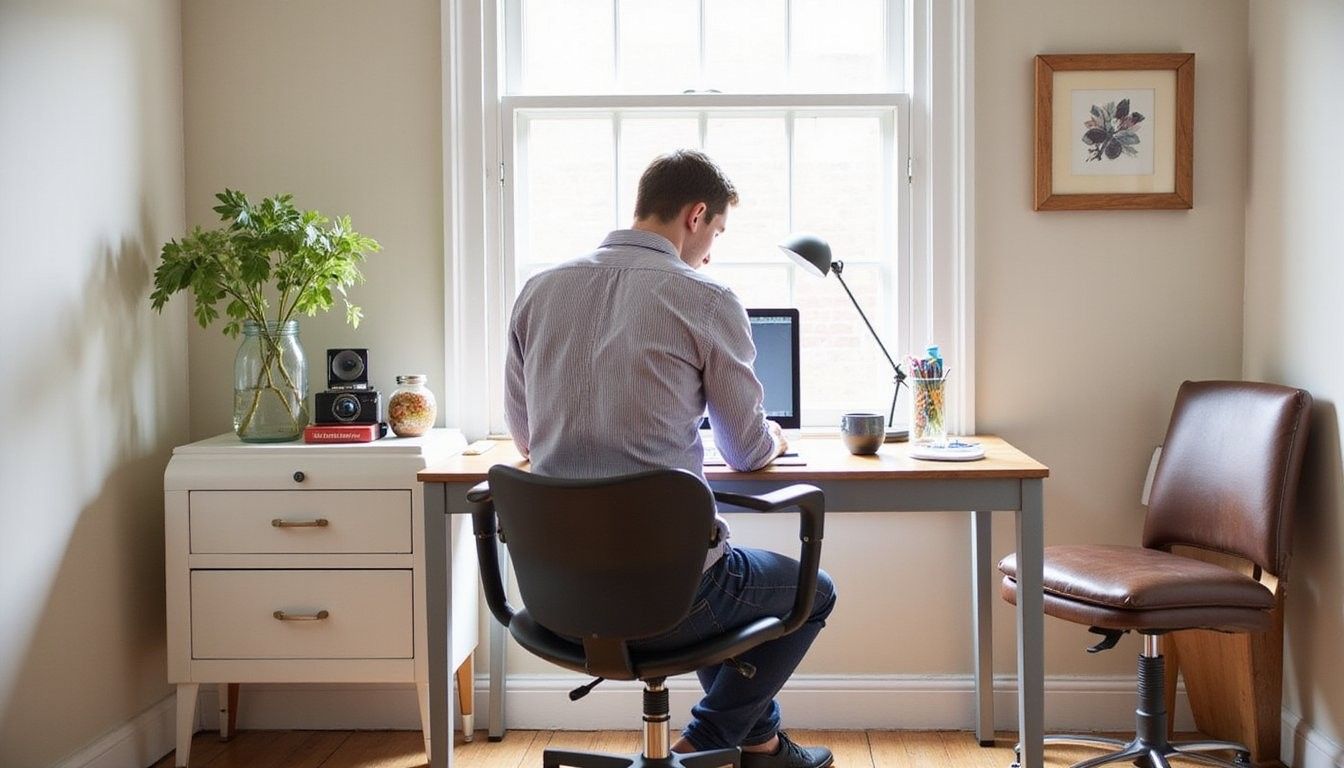
You can build a focused, comfortable office inside a compact apartment with smart choices. Small-footprint furniture, multifunctional layouts, lighting and storage strategies, and intentional separation of zones all combine to create a workspace that supports tasks, posture, and mood.
The secret is designing for activities rather than square feet. When each element serves a purpose and is positioned for efficiency, productivity rises and the rest of the home remains livable and welcoming.
Myth-Buster Box
Reality: A well-planned corner, closet, or foldaway setup can deliver equal focus, ergonomics, and storage when designed around tasks and routines.
Overview
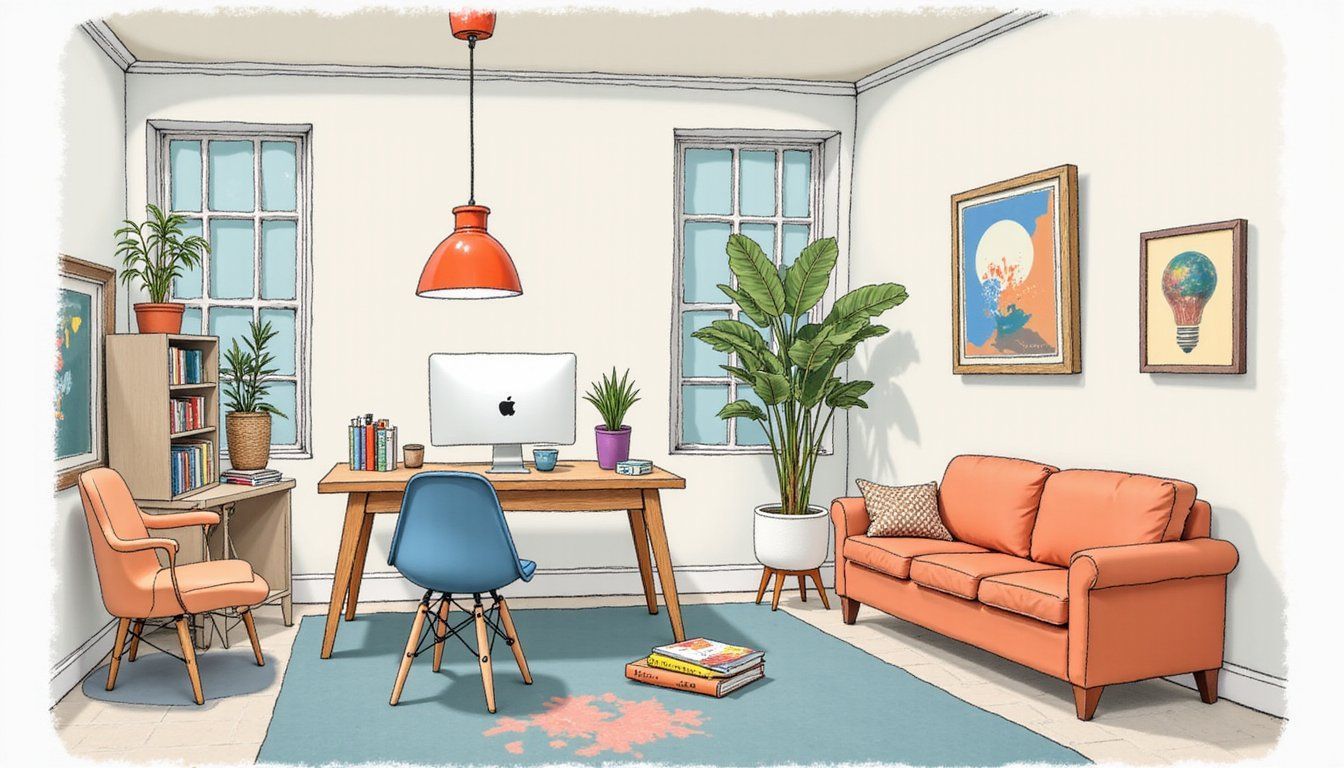
This guide walks through practical design choices to make a real workspace in a small apartment. It covers layout, storage, lighting, furniture selection, common mistakes to avoid, and quick hacks that reduce friction between living and working.
Expect actionable options you can apply in hours or over a few weekends. The goal is to give durable solutions that respect your budget and enhance comfort so work supports life rather than taking it over.
Tools & Materials
Gathering the right items first saves time and prevents repeated trips to the store. Below is a focused checklist for a small home office, with options for tight budgets and modest upgrades.
- Compact desk or wall-mounted/fold-down desk
- Ergonomic chair or seat cushion and lumbar support
- Task lamp with adjustable color temperature
- Power strip with surge protection and cable organizer
- Under-desk drawer, floating shelf, or vertical storage unit
- Monitor arm or laptop stand and external keyboard/mouse
- Noise-management tools: headphones, soft textiles, door sweep
- Label-free storage boxes and cable ties
Choose materials that are durable and easy to clean. Surfaces that resist stains and shelves that hold weight mean fewer headaches and longer life for the setup.
Layout and Zoning
Start by defining what you need the space to do: focused solo work, video calls, or creative tasks with materials. Map those activities onto a floor plan and assign the compact area the primary functions it must support so form follows use rather than guesswork.
Place the desk where natural light supports the most frequent task without causing screen glare. If the ideal spot conflicts with other living activities, create a visual cue like a rug, plant, or narrow shelving to signal a dedicated zone and help your brain switch into work mode.
Storage and Decluttering
Because floor area is limited, storage should go vertically and behind closed doors where possible. Use high shelves, wall-mounted cabinets, and under-desk drawers to keep surfaces clear and minimize visual distraction while preserving access to frequently used items.
Adopt a regular purge habit to prevent buildup of papers and gadgets that kill focus. Establish a weekly 10-minute tidy routine and assign quick homes for chargers, notebooks, and pens so clearing the workspace becomes a five-second action instead of a day-long chore.
Lighting and Ergonomics
Good light and posture matter more than an expensive desk in tight spaces. Layer ambient light with an adjustable task lamp and use warm-to-cool settings to match workflow needs and reduce eye strain during long sessions.
Ergonomics can be achieved with inexpensive tools like a laptop riser, external keyboard, and a cushion for lumbar support. Measure screen height and seating depth to set monitor top at eye level and knees at a 90-degree angle so you maintain comfort without a full office chair.
Multi-Function Furniture and Style
Select furniture that earns its footprint by serving more than one purpose. Examples include console desks that double as entry tables, ottomans with concealed storage, and folding surfaces that disappear when not in use so living space remains flexible.
Keep a consistent color palette and minimal accessories to reduce visual clutter and make the workspace feel cohesive with the rest of the apartment. A calm, coordinated scheme makes a compact office feel intentional and less like furniture tacked onto a sofa or dining table.
Common Mistakes
Avoid positioning a desk where background noise or foot traffic frequently interrupts concentration. If noise is unavoidable, plan for noise-cancelling headphones or soft textiles that absorb sound so your attention stays intact during deep work or video calls.
Don’t place storage where digging for items becomes a frequent distraction. If items are out of sight and out of mind, they won’t be used; place daily tools within arm’s reach and archive infrequent items in higher or less accessible spots.
Comparison Tables
Compare options by impact and cost to make prioritization simple. The table below helps decide which upgrades deliver the most return for tight budgets and small footprints.
| Upgrade | Estimated Cost | Impact on Function |
|---|---|---|
| Task lamp with color tuning | $30–$100 | High – reduces eye fatigue and improves video lighting |
| Wall-mounted fold-down desk | $80–$400 | High – saves floor space and creates a dedicated zone |
| Ergonomic chair or cushion | $50–$300 | Medium to High – supports long hours comfortably |
| Vertical shelving units | $40–$200 | High – improves storage without using floor space |
Use the cost vs. impact view to pick two upgrades that address your biggest pain points. For many people, lighting plus ergonomic support or storage makes the fastest, most noticeable improvement.
Practical Hacks and Quick Wins
Small actions can elevate comfort and focus immediately. Examples include using a portable monitor, adding a shoe-rack-style shelf for under-desk storage, or repurposing a narrow console table as a standing desk for short bursts to vary posture.
Another fast win is masking visual distraction with a low-rise screen, plant, or fabric panel. These elements create a perceived boundary without cutting natural light or crowding the room.
Quick Boolean Guide
A simple true/false grid helps choose features fast. The table below clarifies whether a choice fits small-apartment constraints so you can decide in seconds instead of scrolling for hours.
| Feature | Fits Small Apartment? |
|---|---|
| Fold-down desk | True |
| Large executive desk | False |
| Tall vertical shelving | True |
| Multiple monitors on stands | Conditional |
What to Avoid
Avoid tucking your workspace into the middle of common sightlines without any visual buffer. When a work area is constantly visible it becomes a source of stress for both you and household members, and that chronic visibility makes it harder to relax outside of work hours.
Resist buying large decorative items that eat the limited space rather than serve it. Every extra object should have a job: hold, hide, brighten, or separate; if it does not, it will reduce the workspace’s function and make the area feel cramped.
FAQ
How can I keep work and home life separate when my office is in the living room? Use physical and temporal boundaries: foldaway furniture, a clear ritual for starting and ending work, and a visible but unobtrusive marker like a small rug or lamp that turns on for work and off for relaxation.
What if I can’t afford an ergonomic chair right away? A laptop stand, external keyboard, and a cushion for lower-back support make a measurable difference for a small cost and allow you to upgrade seating later while preventing poor posture now.
Is a standing desk useful in a tiny space? A portable or adjustable-height surface that stows when not in use works well because it offers posture variety without permanently occupying the floor plan, and short standing sessions combat fatigue.
How do I manage cables and power for multiple devices? Use a compact surge protector, mount cable clips under the desk, and assign one short cable per device so storage remains tidy and charging routines are repeatable and fast.
Can a small office support calls and video meetings? Yes—add a directional task lamp for flattering light, a simple backdrop such as a neutral wall or plant, and test audio with headphones or a USB microphone to keep calls professional without a dedicated room.
