
The Myth
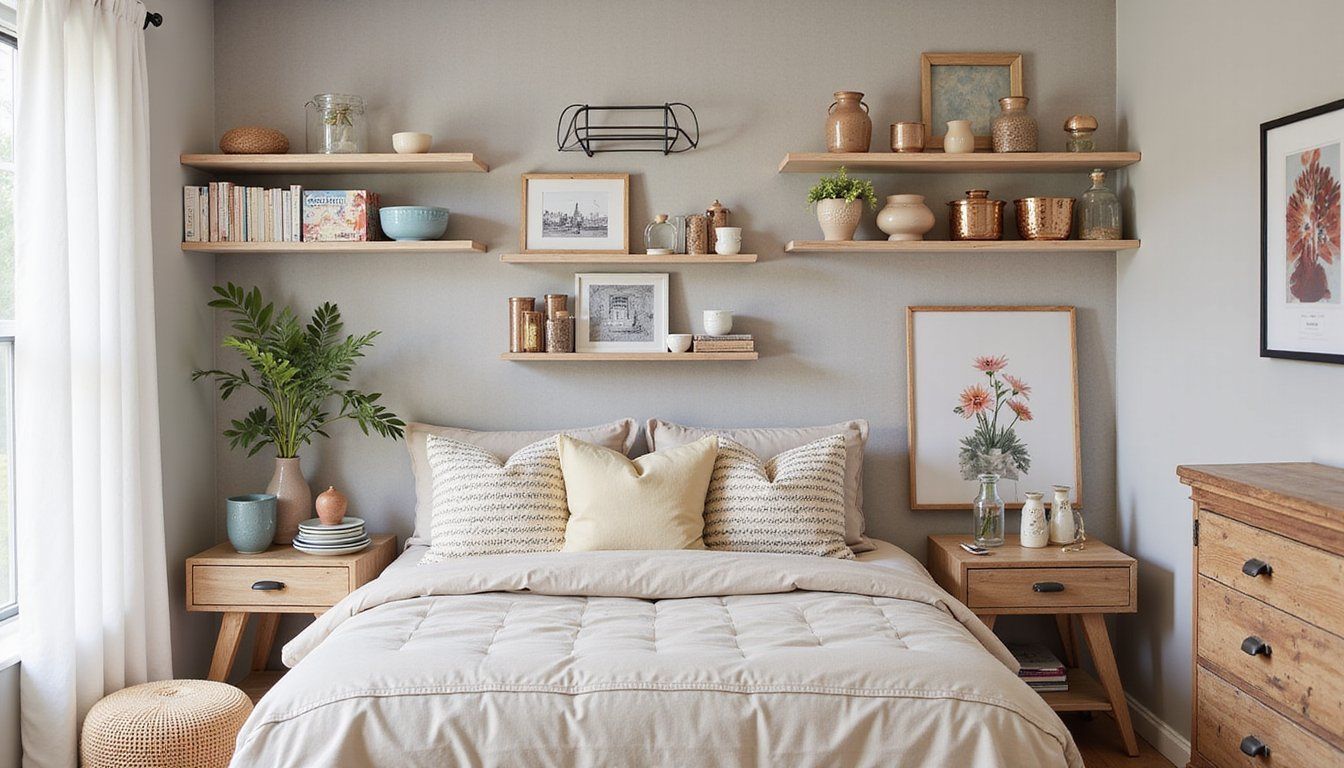
Many people insist you must buy an expensive system before a household can feel organized, but that belief puts cost before function and discourages small, practical fixes that deliver daily calm.
Relying on tech or complete makeovers as the first move often creates complexity rather than clarity, and families end up with cluttered walls of gadgets they never consult.
The Truth
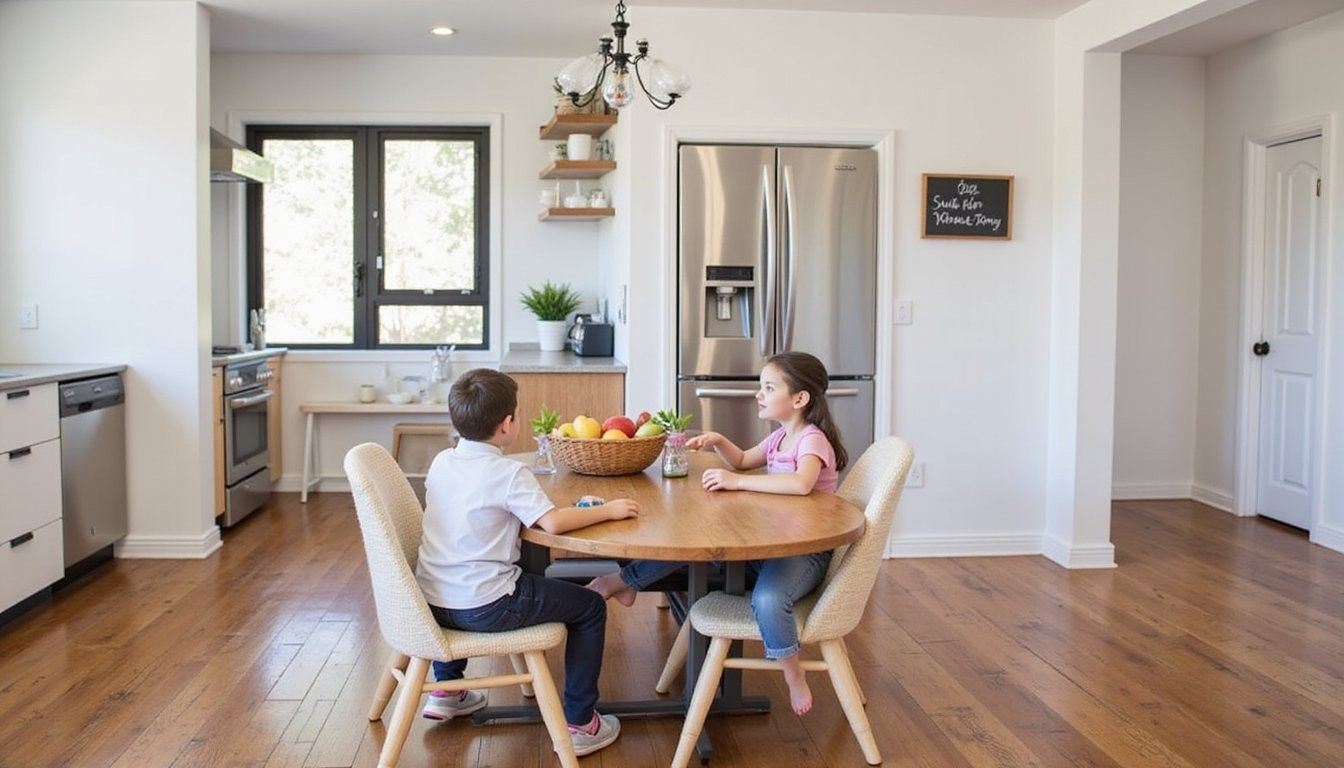
A focused, low-cost station beats a sprawling, high-tech setup because a single, well-designed spot for key items and routines gives the family a visual anchor and tangible habits that stick.
Small rituals supported by clear storage and shared signals make daily life smoother without a long chore list or a big budget, and the most useful command centers fit existing nooks instead of demanding demolition.
Myth-Buster Box
Reality: A simple, intentional hub with clear roles and easy storage produces more daily results than costly gadgets or dramatic overhauls.
Opening
This guide helps you build a compact command center that makes schedules visible, corals items that wander, and clarifies who does what so the household runs with less friction and fewer reminders.
The approach focuses on three aims: visible routines, reliable storage, and predictable handoffs between family members so everyone knows where to look and what to do.
Tools & Materials
- Wall or small shelf area — a narrow strip in the hall, kitchen, or entry that gets daily traffic.
- Calendar or planning board — a simple printed calendar, magnetic sheet, or reusable surface.
- Hooks and small baskets — for keys, masks, backpacks, mail, and chargers.
- Charging tray or small power strip — for shared devices that need a home.
- Notepads and pens — for quick messages, grocery notes, and permission slips.
- Labeling supplies — tape or small labels to assign homes for items.
- Optional small bin or file sorter — for urgent mail, school forms, and coupons.
Planning & Placement
Pick a high-traffic, low-disruption spot that everyone passes when leaving or arriving so routines form naturally without extra steps or time.
Measure the space and imagine daily flows to decide if a slim shelf, a wall-mounted board, or a corner console is the best fit, because the right scale prevents the station from becoming another dumping ground.
Designate zones for arriving, planning, and charging so keys and bags have one area, the calendar and urgent mail another, and devices a charged landing place to avoid mixed piles.
Building the Hub
Start with a backbone that supports daily use such as a mounted pegboard, a slim shelf with baskets, or a magnetic board that holds a printed month-view calendar and quick notes.
Add practical storage that matches your family’s items by sizing baskets for backpacks, shallow trays for wallets and phones, and a slim file sorter for school papers to keep surfaces clear and usable.
Use visual cues for responsibilities like color-coded baskets or a simple roster that signals who empties the lunchbox, who takes the mail, and who charges devices overnight to reduce repeated reminders.
Organizing Systems
Standardize daily checkpoints such as a single morning scan of the calendar and a five-minute evening reset so the system becomes a brief habit rather than an extra task.
Create homes for common wanderers like sunglasses, school notes, and reusable bags so those items stop accumulating on counters and the family can leave with confidence.
Adopt a simple decision rule such as one-minute decisions for small items and a priority bin for things that require action later so the command center stays tidy and purposeful.
Design Choices: Cost vs. Impact
Decisions about materials and systems should balance budget and practical gain because a durable hook and a consistent habit often do more work than an expensive electronic board that sits unused.
Assess purchases by lifespan and daily interaction so you favor items that will be touched every day and resist fads that lose usefulness once novelty fades.
| Option | Typical Cost | Daily Impact |
|---|---|---|
| Simple wall hooks and baskets | Low | High |
| Smart family hub device | High | Moderate |
| Custom built cabinetry | High | High |
Pro vs Con Comparison
Comparing simple solutions to elaborate ones clarifies expected maintenance and benefits so families can choose a direction that matches their tolerance for upkeep and desire for appearance.
Use a short comparison to decide which trade-offs you accept for instance favoring quick wins over long, costly projects when small daily friction is the main concern.
| Approach | Pros | Cons |
|---|---|---|
| Minimal hooks & baskets | Affordable, low maintenance | Less polished look |
| Custom built-in station | High aesthetic, tailored fit | Higher cost, renovation needed |
Maintenance & Routines
Set a weekly five-minute reset where the family clears the command center of stray items, replaces consumables, and glances at the next week’s plan to prevent drift back to clutter.
Make quick handoffs visible through habit rather than notes by placing a brief checklist at the station or by using color cues so the next person knows the status at a glance.
Common Mistakes
Avoid pocketing responsibility into one person by assigning small, age-appropriate tasks to spread ownership for upkeep and daily rituals.
Installation Cost Planner
Create a small budget plan that breaks costs into one-time setup and ongoing upkeep to make decisions easier and avoid impulse buys that don’t pay off in daily use.
Compare simple purchases against renovation figures so you can pick a route that delivers the best return in time saved and stress reduced rather than chasing a perfect aesthetic that strains resources.
| Item | Estimated Cost | Notes |
|---|---|---|
| Hooks and baskets | $30–$80 | Fast setup, immediate payoff |
| Wall-mounted board and supplies | $20–$70 | Low cost, flexible |
| Custom cabinetry | $600–$3,000+ | Long-term investment, higher disruption |
Final Setup Checklist
Before you finish, confirm five essentials: a visible calendar, a place for keys and bags, a charging spot, a small action file, and a short family agreement on routines so usage is obvious for everyone.
Walk through a real morning and evening to test the flow and adjust heights, basket sizes, or the calendar location until movement through the space feels natural and frictionless.
FAQ
How much space do I need? A strip of wall 2–3 feet wide or a narrow console table often suffices because the goal is a focused hub, not a full workspace.
What if family members ignore it? Start with one small habit everyone adopts, like checking the calendar each morning, and reward the group when it becomes steady so engagement grows naturally.
Can this be digital only? Physical anchors work better for fast visual cues and shared accountability, though pairing a paper calendar with gentle reminders can merge benefits.
How long will setup take? A basic station with hooks, a calendar, and baskets can be installed in under an hour, while custom builds need more planning but aren’t necessary for daily improvements.
